Native eCommerce
Native Store Emails
Native Store Emails
This article explains the different emails sent by Native Store to shoppers and how to manage them.
Manage Email Notifications
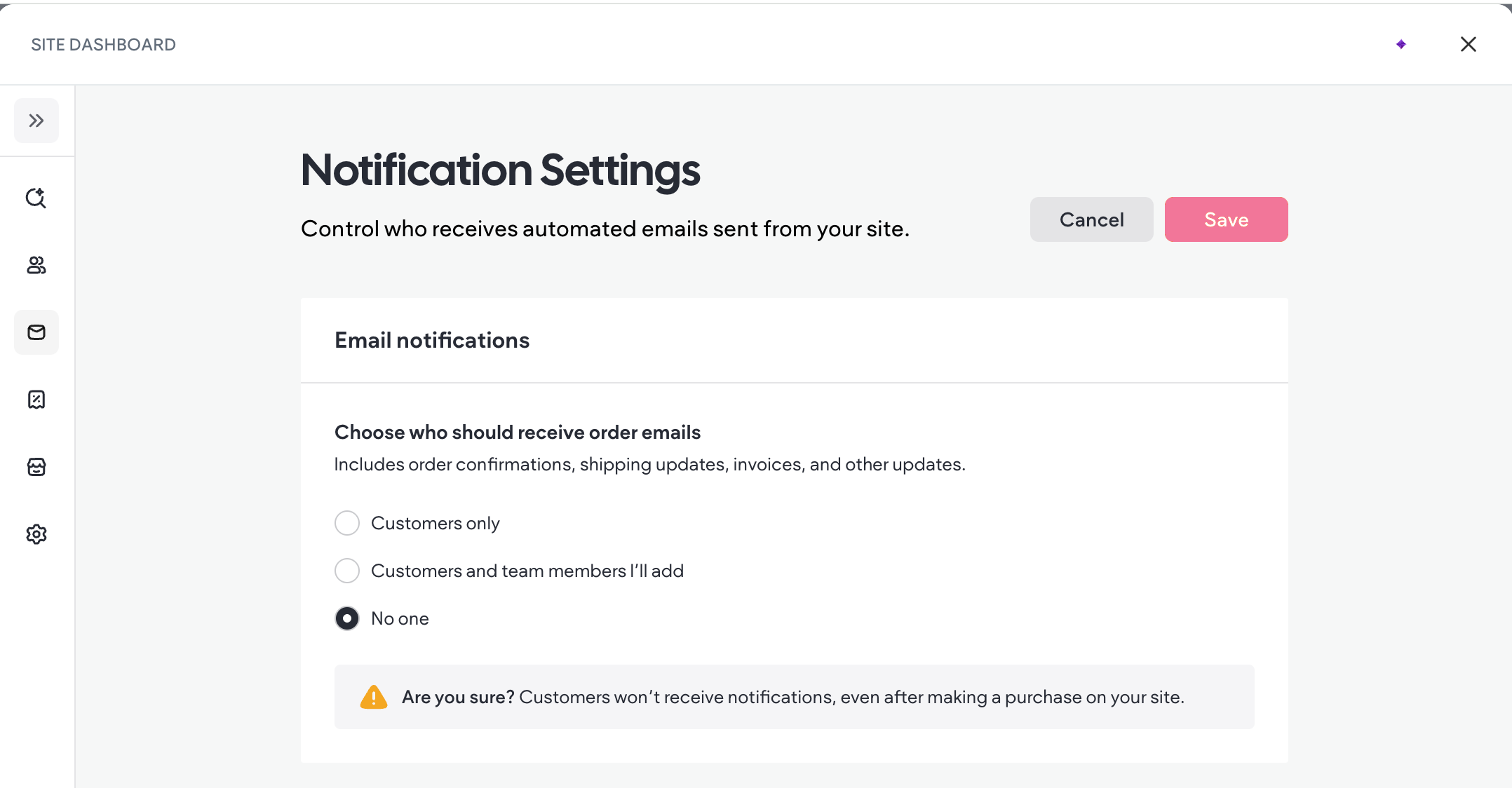
You can manage who receives emails from your store, including shoppers and staff members.
Following are the email notification settings:
-
Customers only. Only customers receive store emails and no emails will be sent to staff members.
-
Customers and team members I’ll add. Customers will receive store emails, and only staff members that you add will receive copies of store emails.
-
No one. This disables emails for all customers and staff members.
To manage email notifications:
-
In the side panel, click Store, then click Store Management.
-
Click Payments.
-
Click the Customer Emails section in the side bar.
-
Select the relevant option, then click Save.
Order Emails
After a shopper places an order, they automatically receive an email with the details of their order. At this time, merchants cannot customize the email address or contents of the confirmation email. The logo in your site's Content Library is included in the email.
Order Confirmation Email
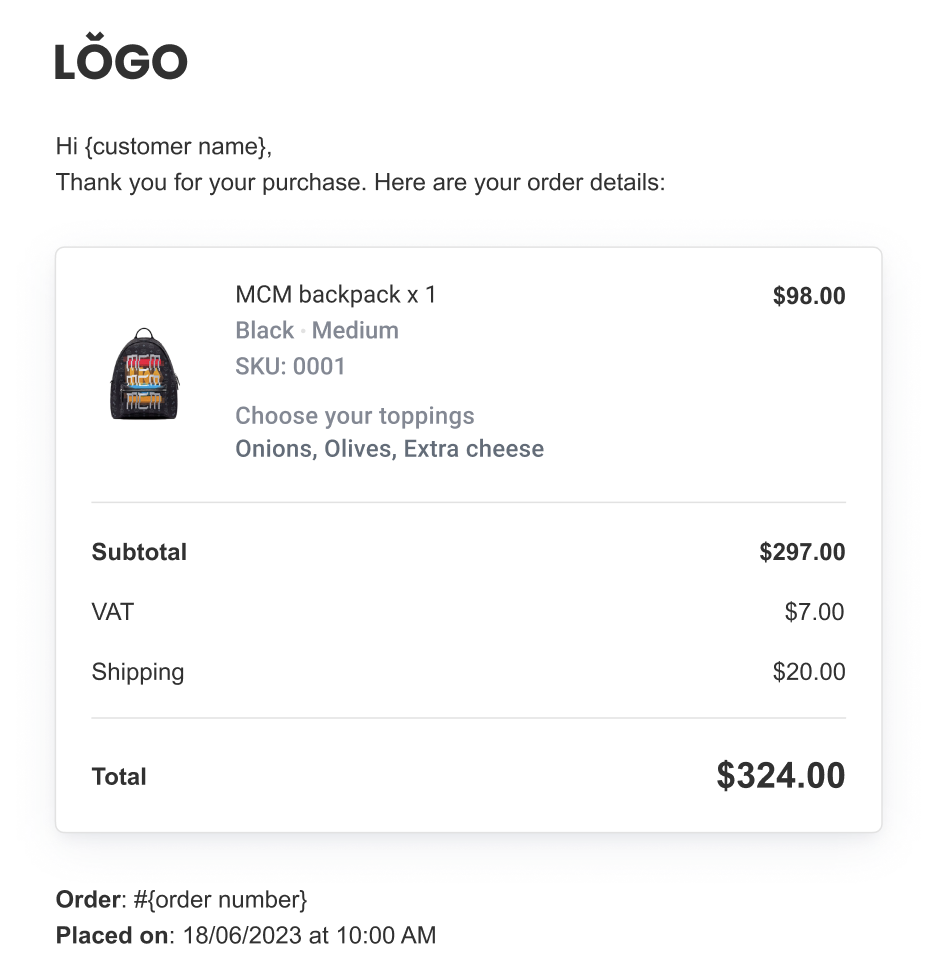
The order confirmation email contains the following information:
-
Customer name
-
Billing address
-
Shipping address
-
Product name
-
Quantity of each product
-
Unit price of each product
-
Variant of product (if applicable)
-
SKU
-
Subtotal
-
Total
-
Payment date
Following is an example of an order confirmation email:
Order Canceled Email
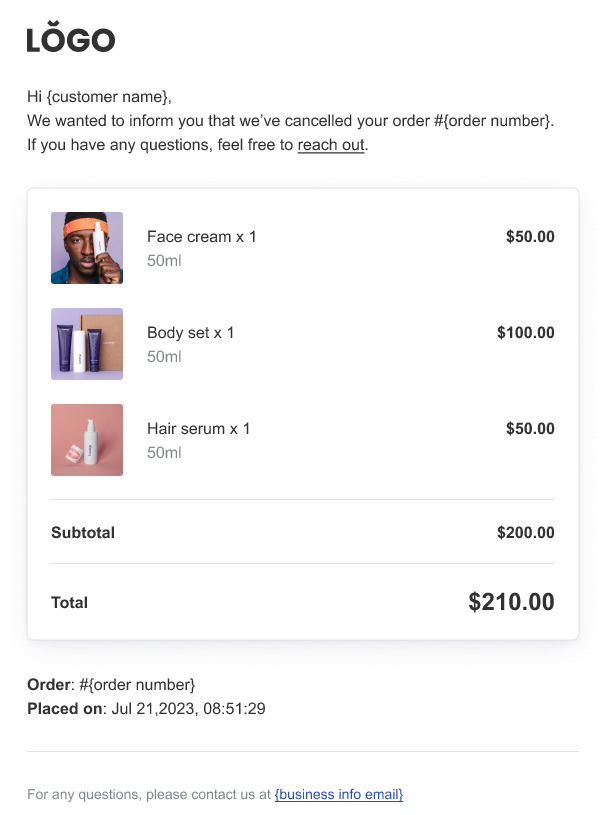
When an order is canceled, the shopper receives an email confirming that their order is canceled and what items were part of the canceled order.
Order Canceled and Refunded Email
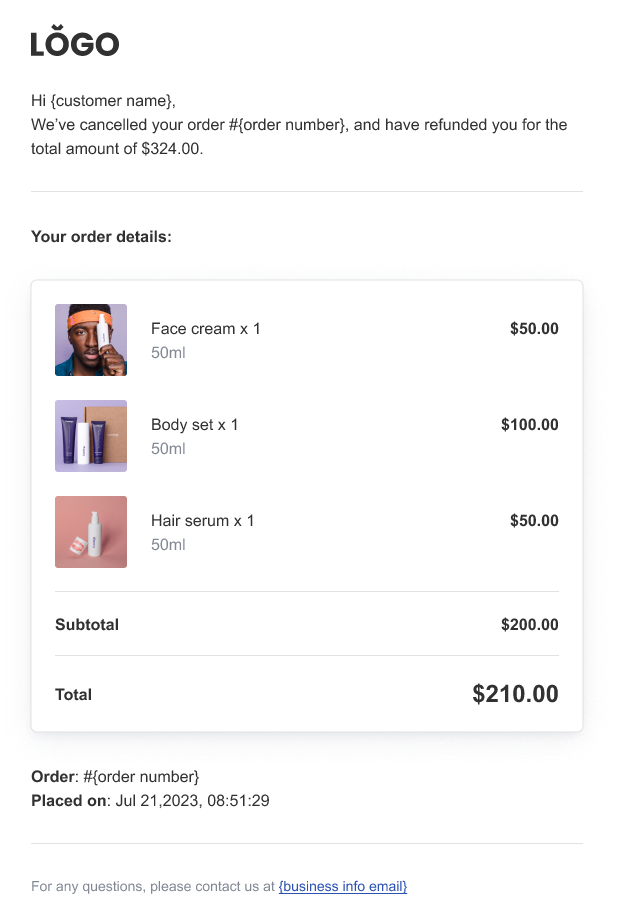
After an order is canceled and refunded, the shopper receives an email confirming that their order was canceled, which items they are receiving a refund for, and the refund amount.
Order Refunded Email
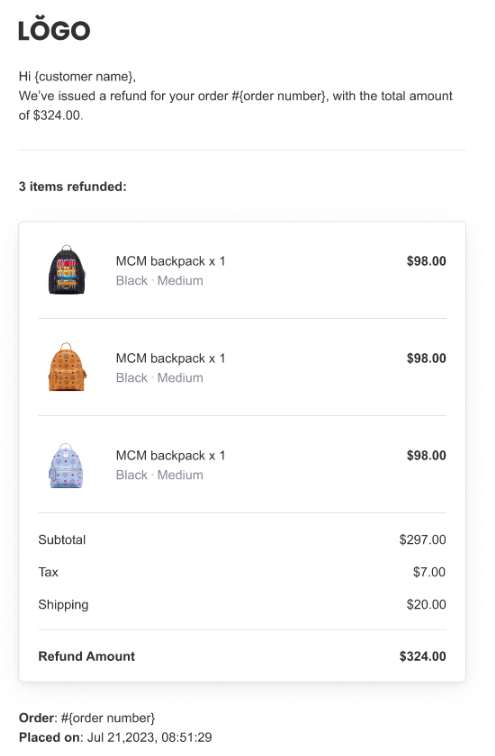
When an order is refunded, the shopper receives an email confirming their order has been refunded, the total refund amount, and which items they are receiving a refund for.
Digital Products Email
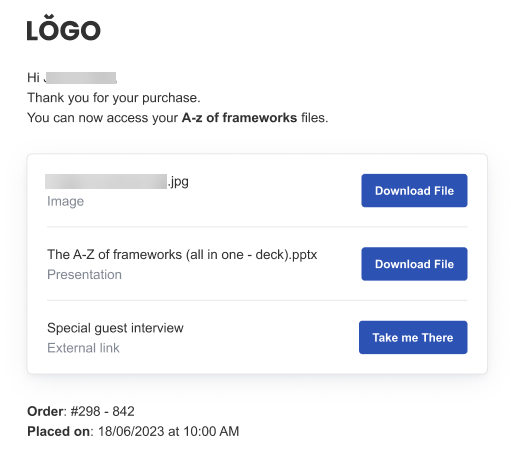
If a digital product is purchased, the shopper receives an email with a link to download their product(s). The link is valid for 30 days.
If the shopper needs more time to download their digital product, the merchant can resend the confirmation email that contains the download link. To learn more, see Resend Digital Download Link Email.
Resend Digital Download Email
To resend the digital product download link:
-
In the side panel, click Store, then click Store Management.
-
Click Orders, then click to open the desired order.
-
Click the three horizontal dots at the top right of the Order Details page and select Resend Download Links.
-
Click Resend Links.
The shopper will receive a confirmation email with the download link(s).
Shipping and Pickup Emails
Following are emails that pertain to shipping and pickup.
Order has Shipped Email
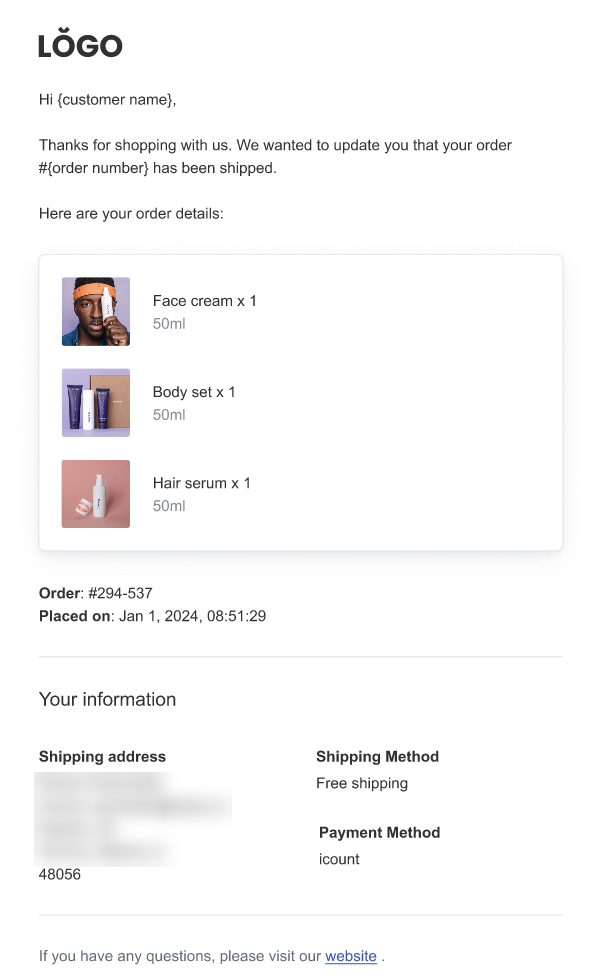
When an order is shipped, the customer receives an email confirming that the order has shipped along with the order number and order details.
Tracking Information Email
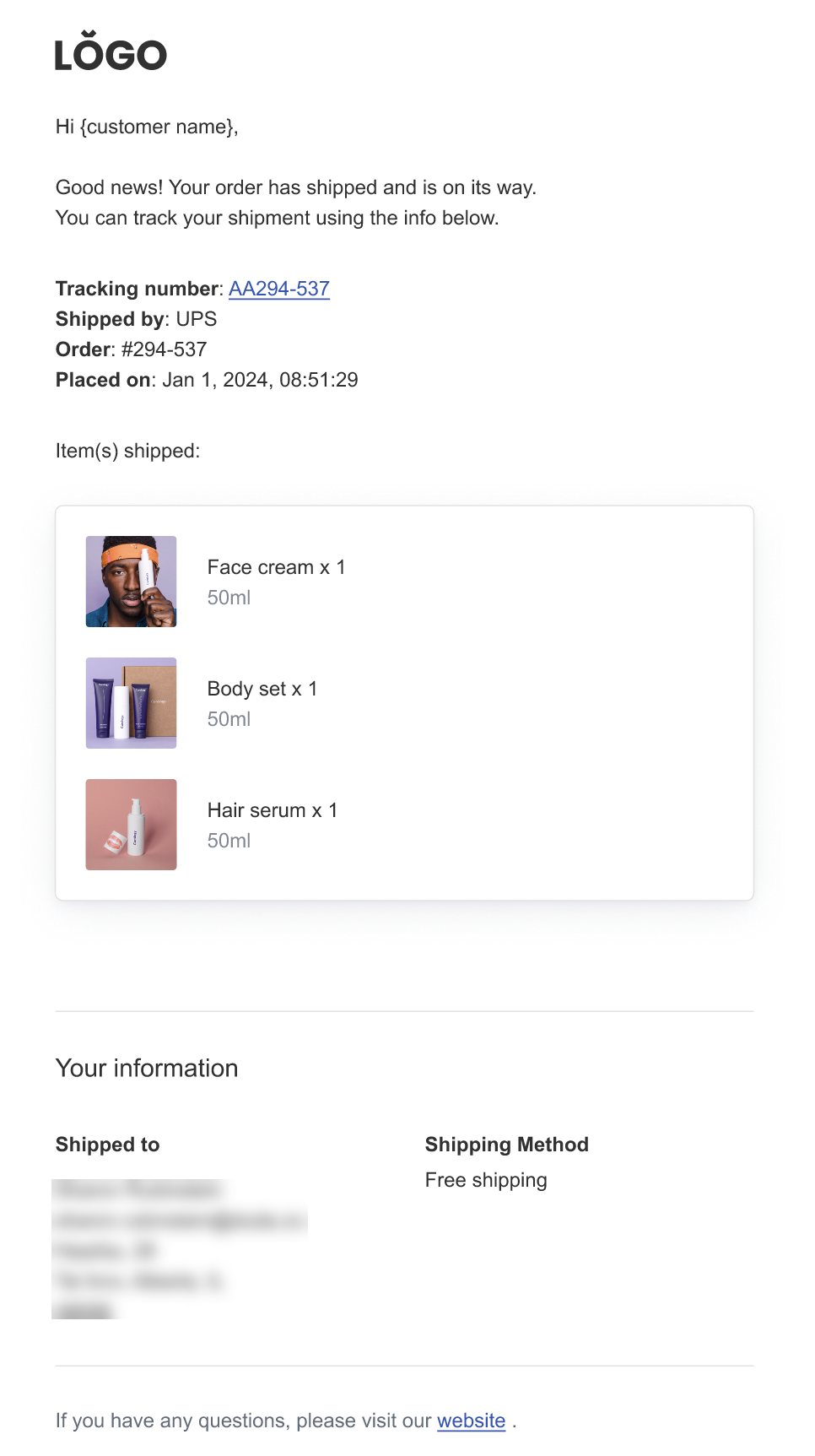
When an order has been shipped and has tracking information, the shopper receives an email with the tracking number, name of shipping carrier, order number, order date, and items in the order.
Order is Ready for Pickup Email
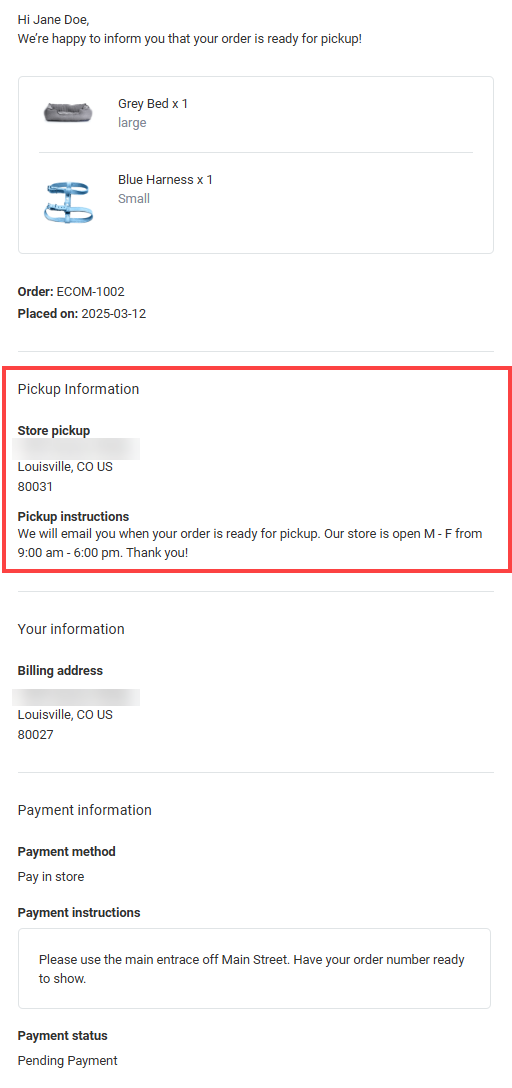
When the shopper selects to pickup their items in the store, they will receive an email when their items are ready for pickup. The email contains order details and pickup instructions provided by the merchant.
Payment Emails
Following are emails that pertain to payment.
Awaiting Payment Email
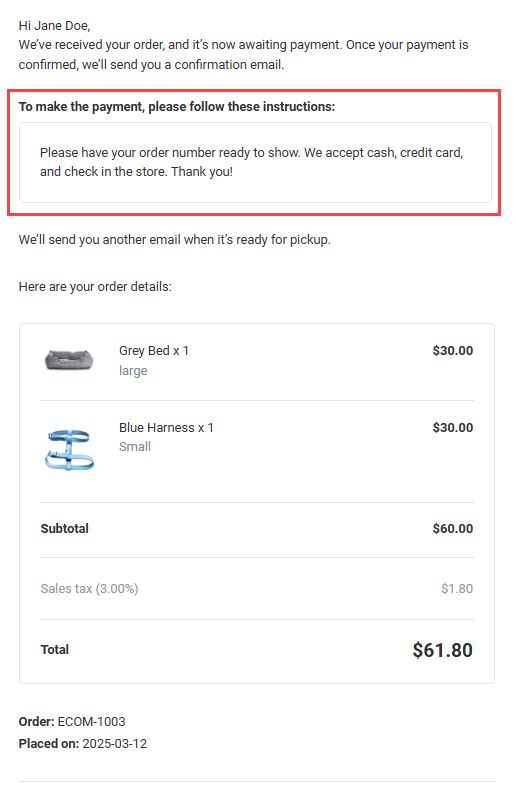
When a customer places an order and selects an offline payment method, like the pay in store option, their order confirmation email will include a note that it is awaiting payment along with the payment instructions provided by the merchant.
Payment Declined Email
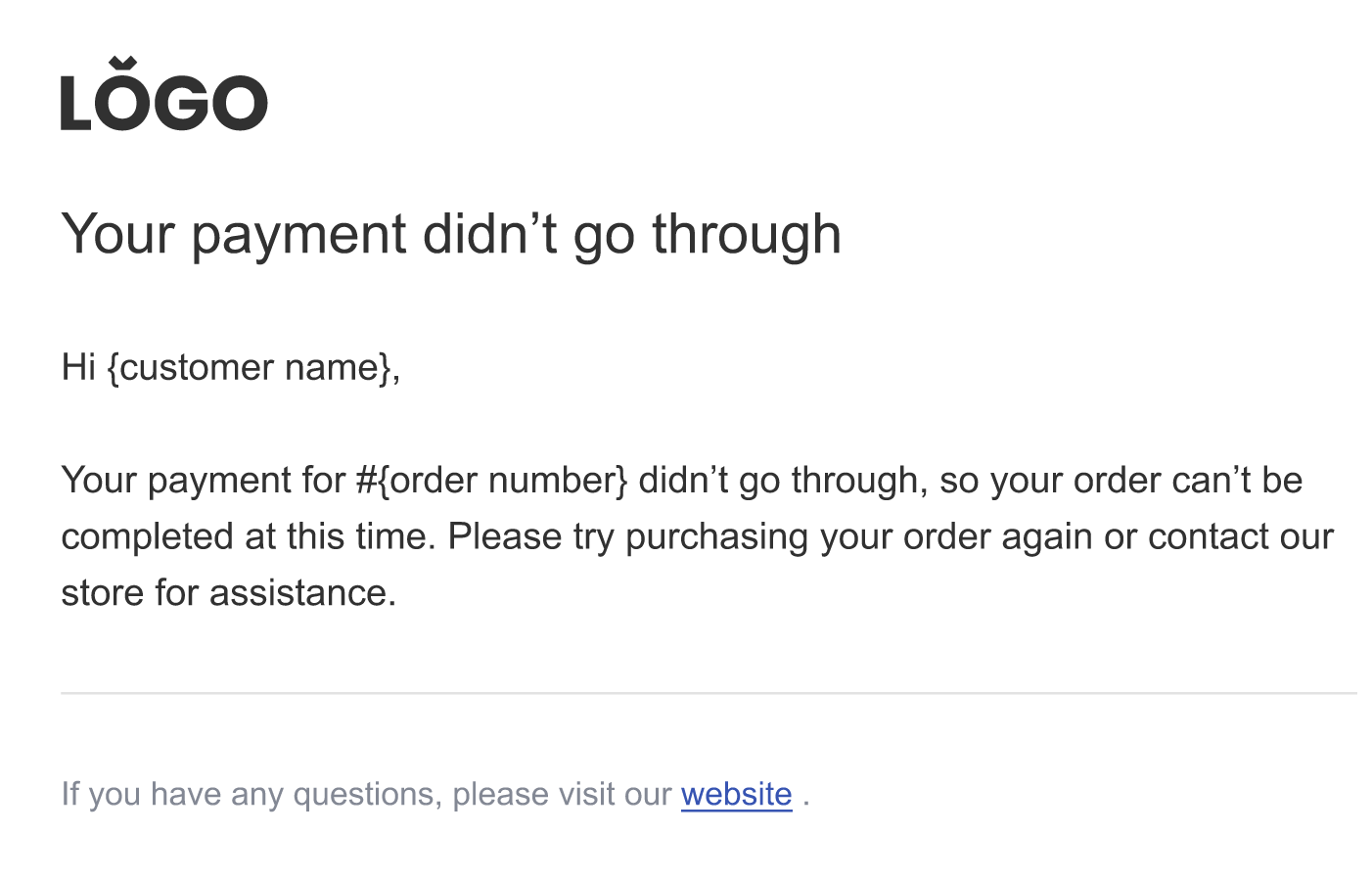
When a shopper pays using an offline payment method or asynchronous payment like a bank transfer and their payment is declined, they receive an email with instructions to either purchase their item again or to contact the store.
Offline Payment Confirmed Email
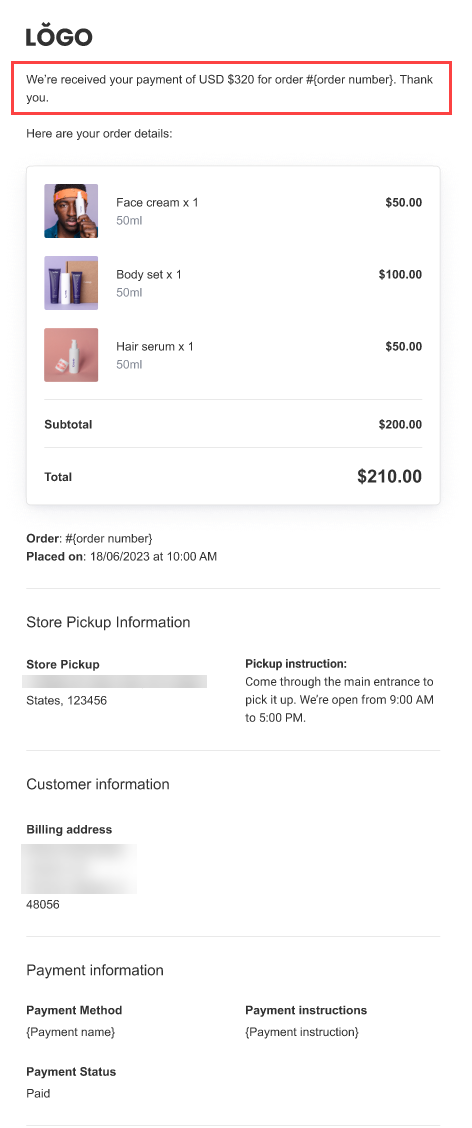
After a shopper makes an offline payment, like pay in store, they receive an email confirming their payment and order details.
Subscription Emails
Following are emails that pertain to Subscriptions purchased through native store.
Subscription Confirmed Email
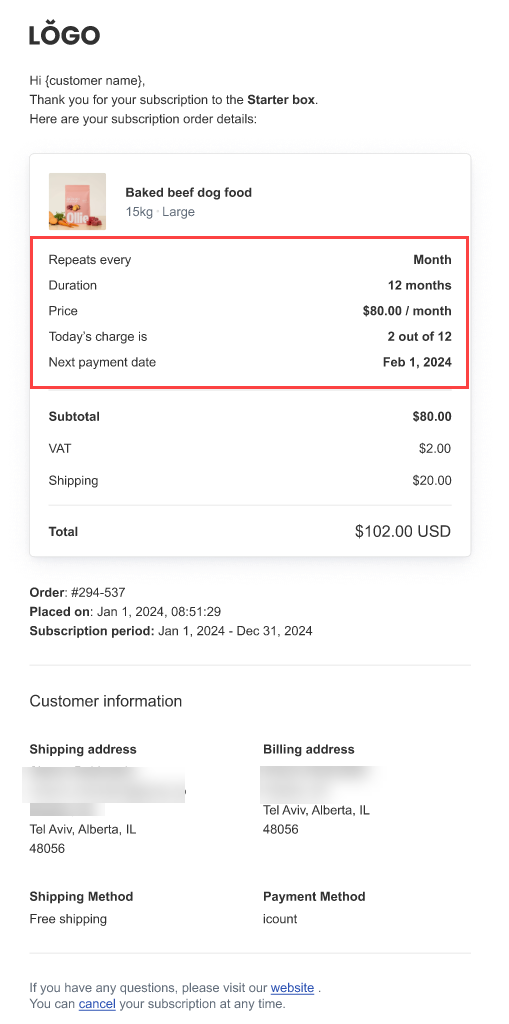
After purchasing a subscription, the shopper receives an email confirming that their subscription has started, subscription frequency, duration, and when the next payment is due.
Cancel Subscription Email
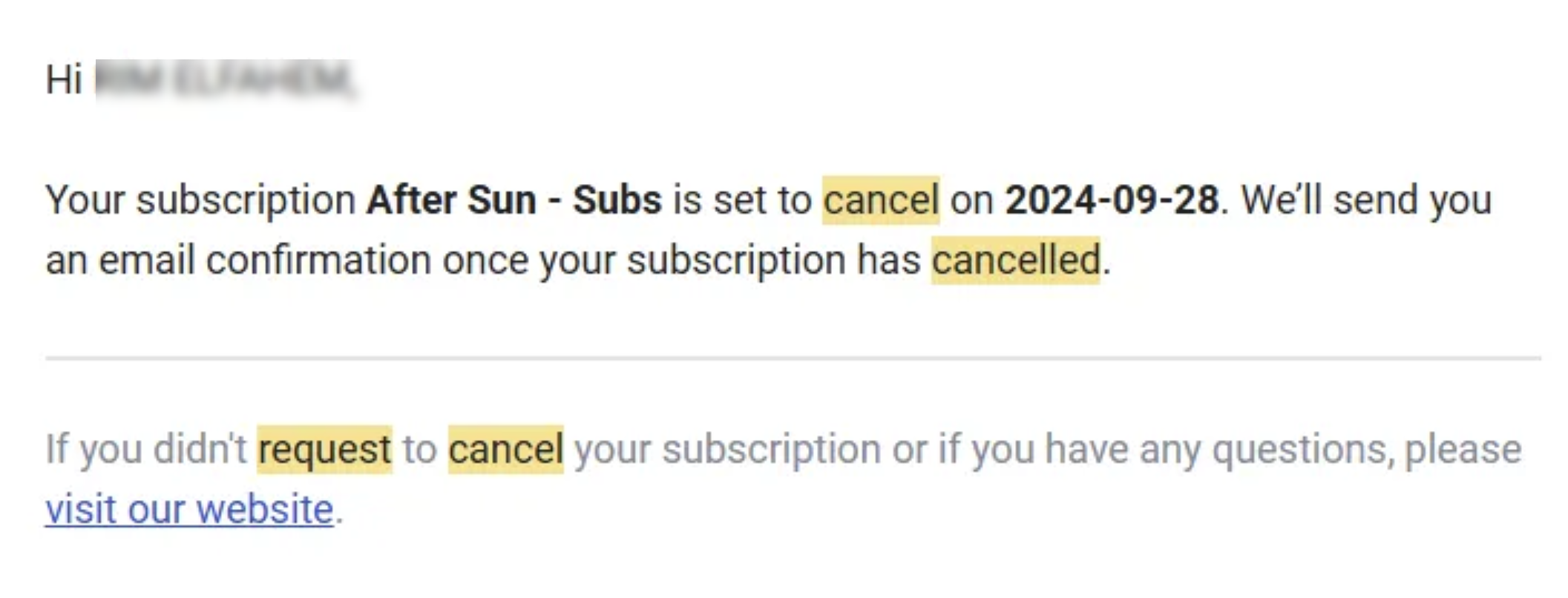
First, the customer receives an email confirming that their cancellation request is being processed.
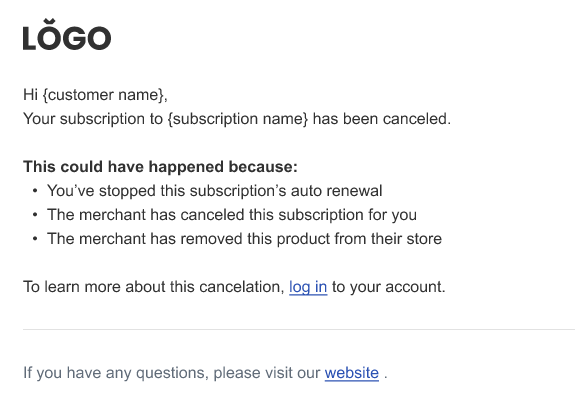
Once the subscription is canceled, the customer receives an email confirming the cancellation.
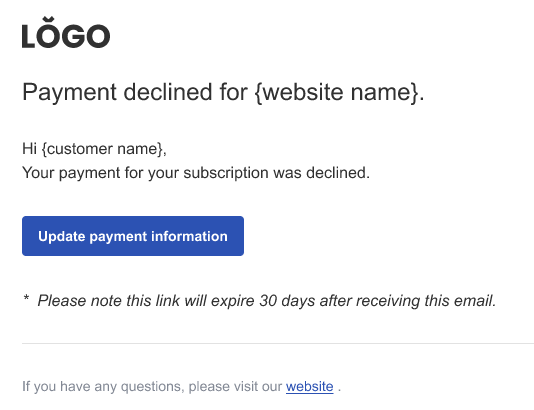
Subscription Payment Declined Email
If payment for a subscription product or membership is declined, the shopper receives an email with a button to update their payment information.